Help us learn what causes and reduces addictive screen time
ScreenLab is MacOS only right now. In the meantime, ScreenLab Lite is free and runs right in your browser.


Music
Design
Enable Feed Remover



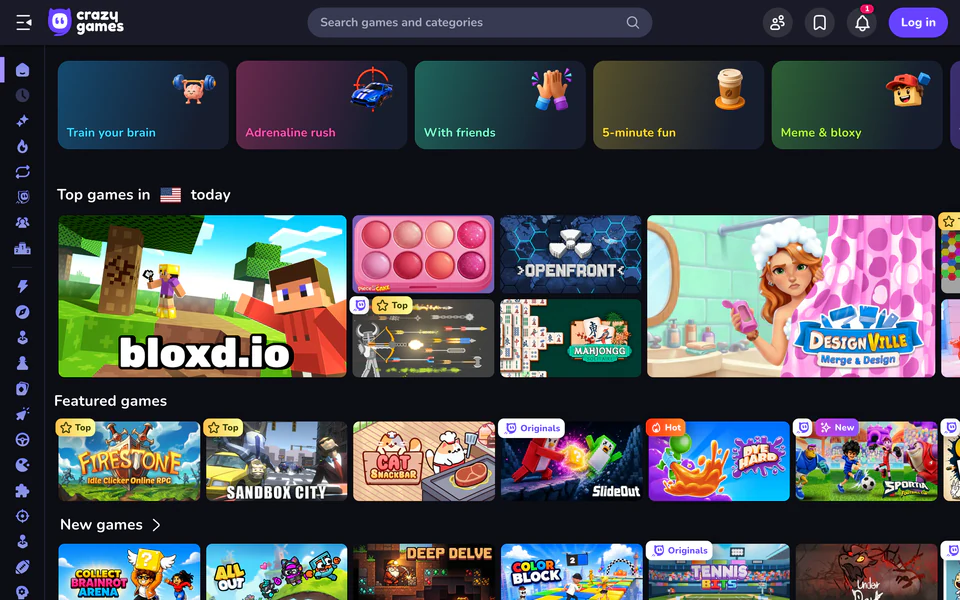
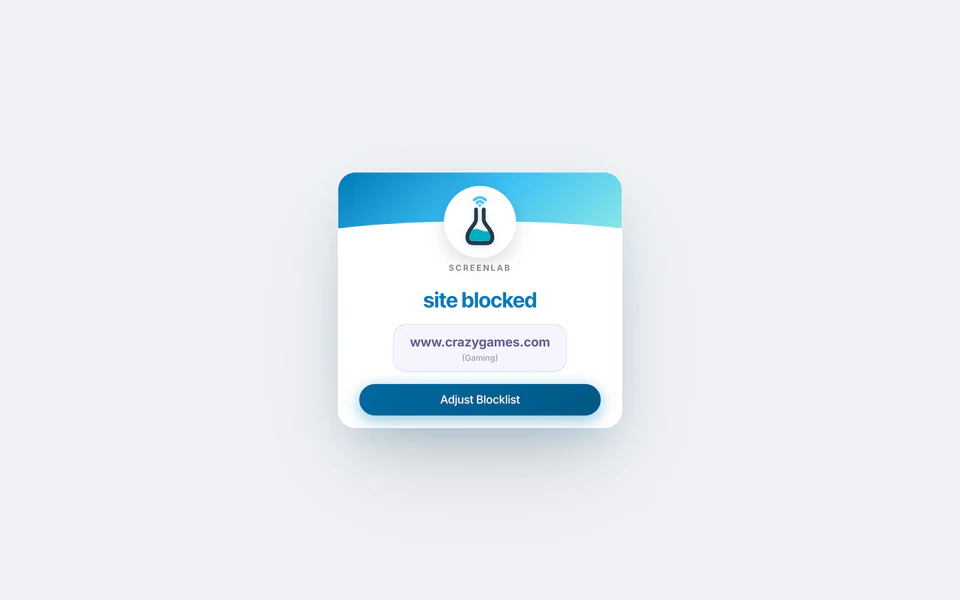
How it Works
How it Works
Step 1
Learn what distracts you
ScreenLab examines your screen time via a desktop app. After 50-100 hours of activity, it begins to find correlations: habits that predict more or less time on distractions like social media, streaming, chat, games, etc.
For example
- Music may help this user27.8% less time on distractions when using Spotify/Apple Music
- Slack interruptions may hurt this user19.7% more time on distractions after using Slack
- User focuses best when coding and worst when writing8.8 vs 24.7 mins/hr on distractions
Step 2
Reduce your distracted time
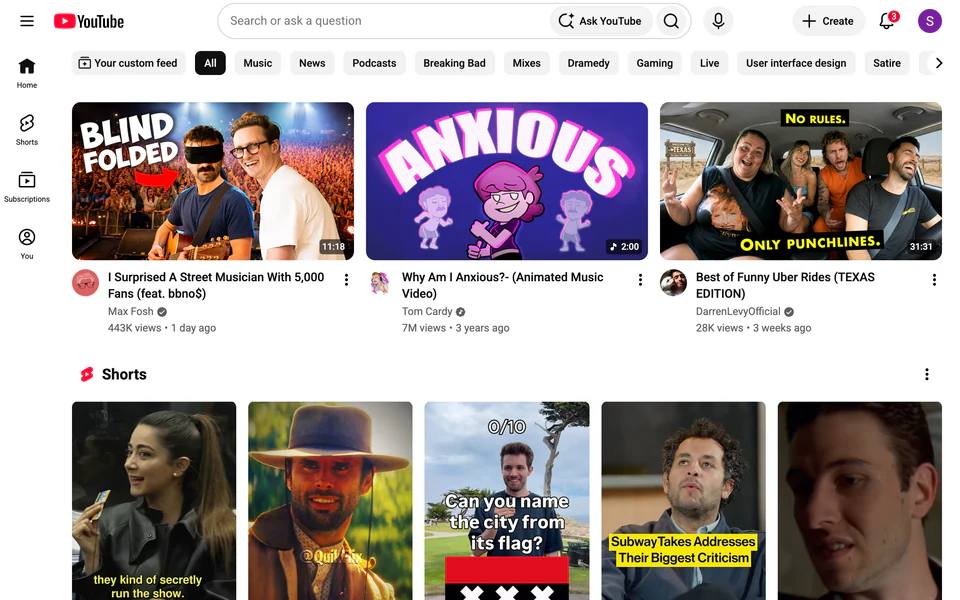
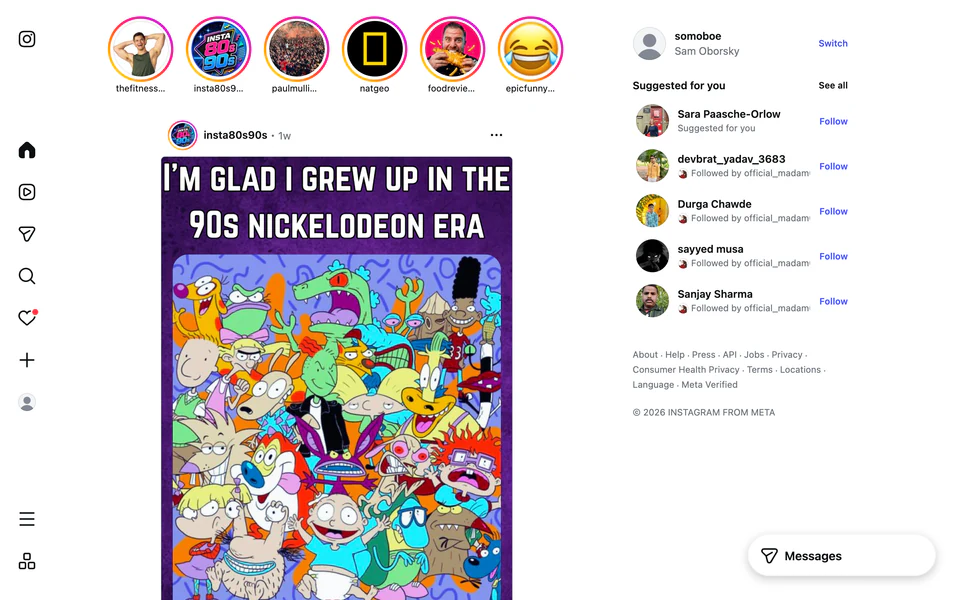
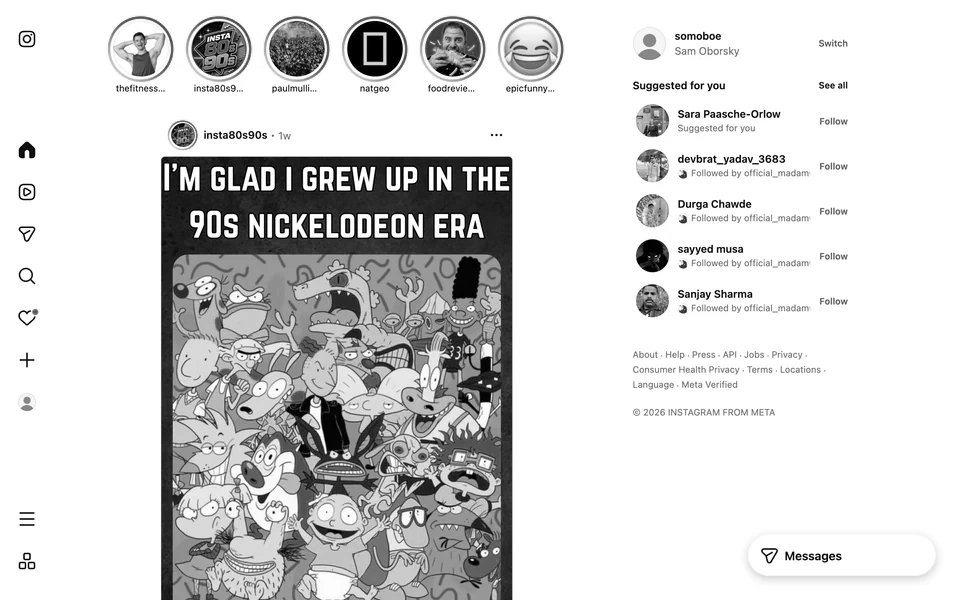
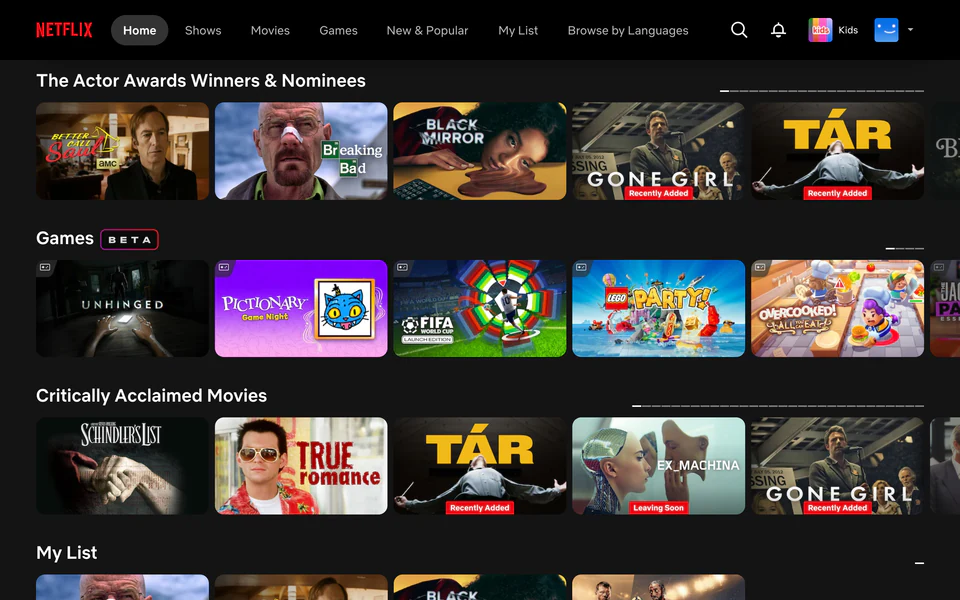
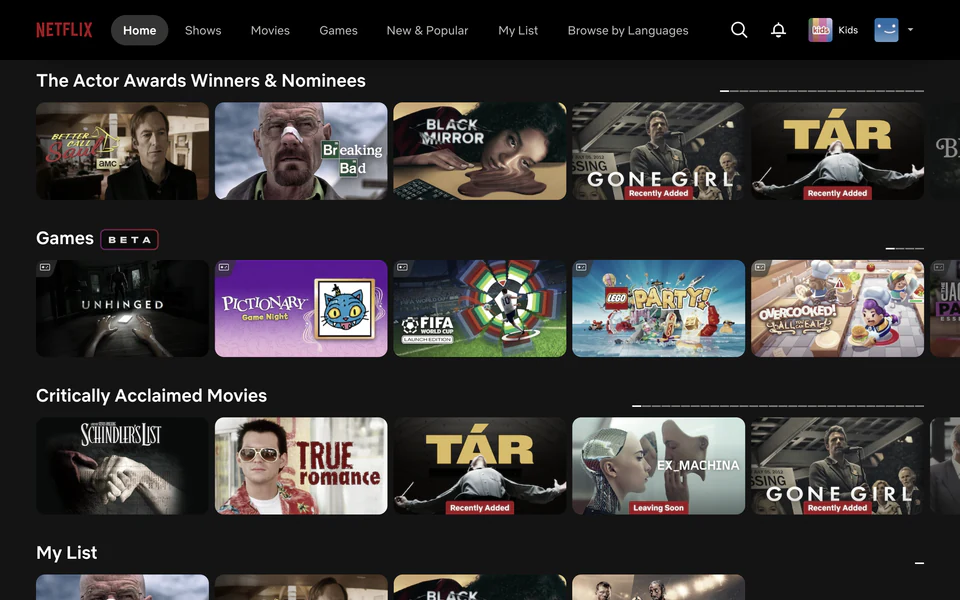
ScreenLab lets you change distracting sites to make them less distracting, then measures what works best for you.
For example
- I want to reduce my YouTube timeI decide to try blocking YouTube
- ScreenLab learns blockers don't work for meI keep disabling them. I'm only saving 4 mins/day
- ScreenLab tests what saves the most time for me'Feed remover' reduces my YouTube time 71%, and I keep it enabled 8x more than site blockers, saving 5.7x more time
Enable Feed Remover
Step 3
Analyze your distracted time
ScreenLab shows the data behind your screen time and distraction.
For example
- Most effective toolsDistracted time reduced, enabled ratio, and total time saved by each tool
- Most impactful insightsThe habits that predict the biggest changes in distracted time
- Trends & changesDaily, weekly, and monthly overviews of activity & focus
Design
Music

Night Owl
Slack
Offline Breaks
Cluster Your Zooms
Enable Feed Remover
Frequently Asked Questions
How does ScreenLab work?
ScreenLab has two parts. A desktop app logs when you start/stop using distracting and productive apps and sites. A browser extension allows you to remove distracting site elements.
From there, ScreenLab learns which behaviors and tools most impact your distracted time.
How is my data used?
We do not sell personal data or activity to anyone.
Aggregated data that cannot be traced to any individual user may be shared with academic and nonprofit institutions working to reduce online harms.
For details, see our privacy policy.

Is ScreenLab really free?

Will you support Windows?
Will you support Android/iPhone?
Something like ScreenLab Lite may happen, although mobile makes compromises & clumsiness hard to avoid.
Regarding the full app: a limited Android version is a possibility. iPhone doesn't support the data analysis we need to provide a genuinely insightful product.

Why no Firefox support?

Who is behind ScreenLab?
I'm John Bayne. I've spent most of my career in nonprofit technology.
- I was VP of Engineering at charity: water, a nonprofit that has built wells for over 20 million people across Africa & Asia.
- I led tech at Sama (previously samasource.org), which has employed over 15,000 underprivileged youth & refugees across East Africa & India.
- I developed biometric tech at Kiva to provide microfinance in communities too remote for existing solutions.
In 2014, I was living in Kenya and became interested in correlations between social media and violence. That led to a broader interest in how screen time affects us. Since 2022, I've worked exclusively on screen time issues. ScreenLab is the first public release from that research.